MathGrapher (Android app)

·

,

·

1–2 minutes

I’ve published an Android app, MathGrapher, a while ago. It seems to be attracting more and more users.

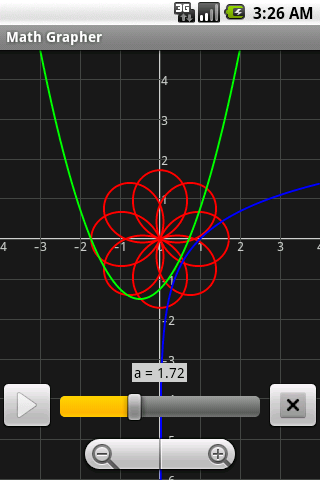
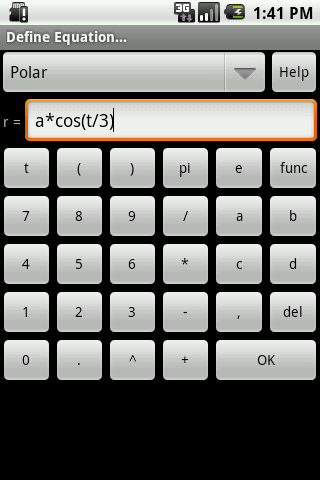
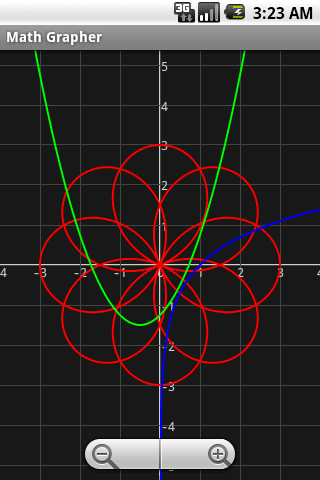
With MathGrapher, you can visualize function equations, parametric equations, and/or polar equations. You can also animate an equation by defining the range of one or more parameters: a, b, c, or d.

Here are some examples:

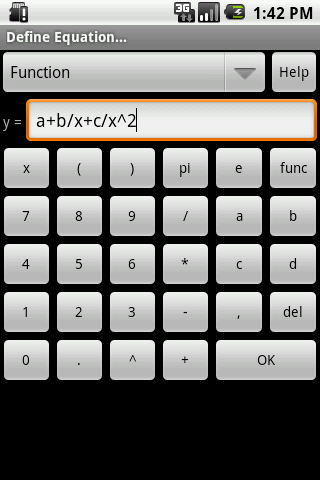
Function equation: y = a*x^2 + b*x + c
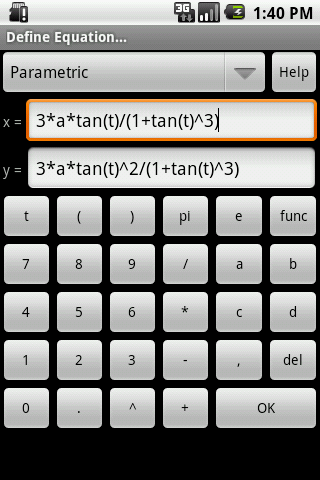
Parametric equation: x = a*sin(t); y = b*cos(t)
Polar equation: r = a*cos(b*t + pi/2)

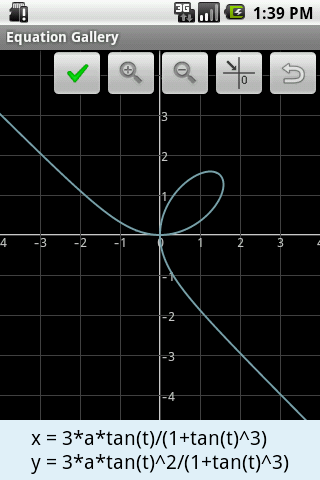
You can select equations from the equation gallery that contains some predefined equations.

You can save the equations for later use.
Related Articles

Get updates

Spam-free subscription, we guarantee. This is just a friendly ping when new content is out.

← Back

Thank you for your response. ✨

2 responses to “MathGrapher (Android app)”

  1. Just installed the app on my Samsung Note 3. Great visuals! But I cannot seem to find the ‘clear’ button to clear the graphing board. Even after I close and reopen the app, all the equations are saved on the single drawing board and new equations are just drawn on top of the existing ones. Please help.

    1. Thanks for using the app. You can create a new graph by selecting the New menu item. Click on the Menu icon of the phone to pop up the Menu.

      Thanks.
      Xuesong

Leave a comment